Business
Common 3D Printing Problems and How the Right Slicer Fixes Them

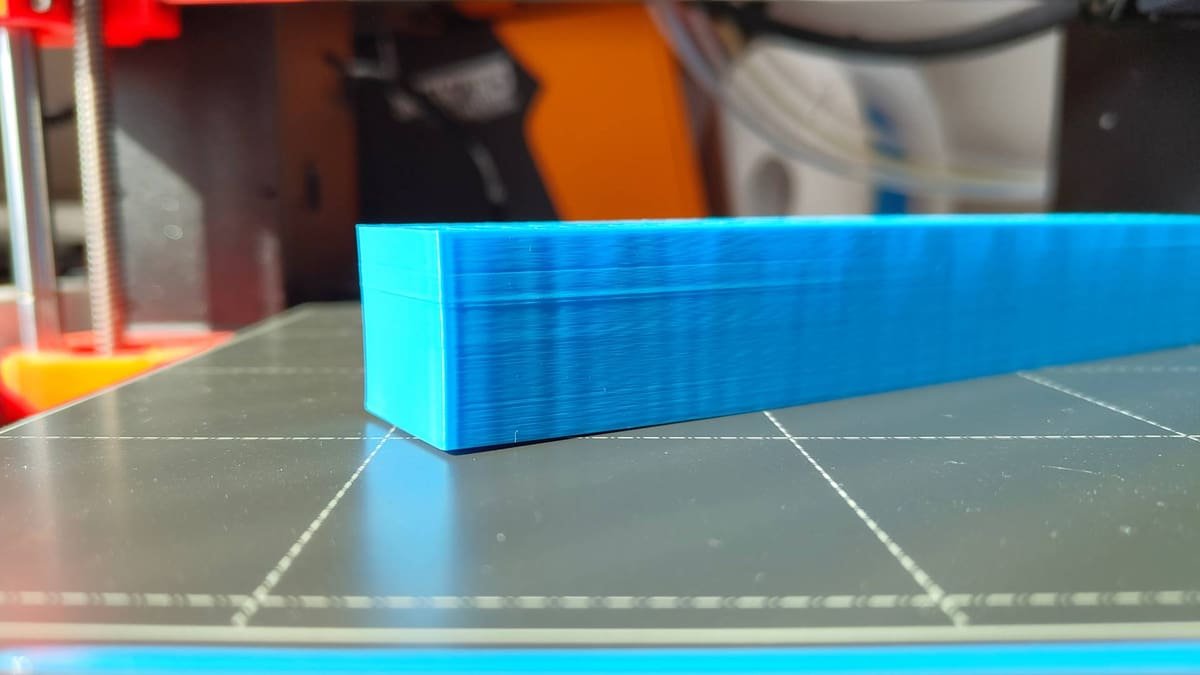
If you’ve ever watched a print start beautifully and then unravel into spaghetti, you already know the truth about 3D printing: most “printer problems” are really process problems.
The good news is that many of the most common failures—warping, stringing, blobs, weak layers—can be prevented or corrected before you even hit Start. That’s where your slicer earns its keep.
A modern slicer isn’t just a file converter. It’s a decision-making tool that controls temperature, speed, cooling, extrusion, and how each layer supports the next. Used well, it turns frustrating trial-and-error into repeatable results.
Why slicer settings matter more than you think
Your slicer translates a model into thousands of small moves. Each move affects pressure in the nozzle, how plastic bonds, and whether the part stays stable on the bed. When a print fails, it’s often because one or two slicer choices don’t match your filament, geometry, or printer’s mechanical limits.
If you’re dialing in profiles or switching materials often, a capable tool like orca slicer can make troubleshooting faster by keeping critical controls organized and easy to test without guessing.
Warping and poor first-layer adhesion
Warping usually starts with uneven cooling or a first layer that isn’t “locked in.” The slicer can help you increase contact area and reduce stress in the base.
- Brims and rafts: Add a brim to widen the footprint on tricky parts; reserve rafts for truly stubborn materials.
- First-layer tuning: Increase first-layer height slightly, slow first-layer speed, and use a wider first-layer line width for grip.
- Cooling control: Reduce or delay part cooling fan for materials like ABS/ASA to prevent edge lift.
Stringing, oozing, and zits
Those wispy hairs and random bumps come from pressure management: molten filament keeps flowing during travel moves or after direction changes.
- Retraction distance and speed: Too little causes stringing; too much can cause jams or under-extrusion—especially on direct-drive setups.
- Temperature: Drop nozzle temperature in small steps (5–10°F) if your filament allows it.
- Wipe and coasting alternatives: Features that reduce pressure near the end of a line can cut “zits” on outer walls.
A practical check: if strings appear mostly between separate towers, focus on travel and retraction; if bumps appear on the same wall, focus on seam and pressure settings.
Weak layers and parts that snap
If prints look fine but break easily, the issue is usually poor layer bonding. The slicer can improve strength without making everything slow and bulky.
- Wall count vs. infill: Adding perimeters often increases real-world strength more than raising infill percentage.
- Layer height: Slightly thicker layers can increase bonding surface for some materials, while very thin layers may need more heat to fuse.
- Print temperature and speed: Printing too cold or too fast reduces interlayer adhesion—especially on functional parts.
Overhangs, sagging bridges, and messy supports
Overhang quality is a balancing act between cooling, speed, and how the slicer plans paths. Bridges are even more sensitive because they rely on plastic tension rather than a surface underneath.
What to adjust first
Start with bridge speed and bridge flow, then fan behavior. For supports, prioritize easy removal without scarring.
- Bridge tuning: Slower speed and slightly reduced flow can help bridges “stretch” cleanly.
- Support interface: A denser interface layer can improve the underside finish while keeping supports removable.
- Orientation: Rotating the model to reduce steep overhangs often beats any support setting.
Layer shifts, ringing, and rough surfaces
Not every artifact is purely mechanical. Acceleration, jerk, and speed choices in the slicer can push your printer beyond what belts, pulleys, and frame stiffness can handle.
- Slow external walls: A small reduction often cleans up finish dramatically.
- Acceleration control: Lowering accel for outer walls reduces ringing on sharp corners.
- Adaptive speeds: Let the slicer slow down on small features to avoid overheating and blobbing.
Conclusion
Most common 3D printing problems have a slicer-side solution: better first layers prevent warping, smarter retraction reduces stringing, strength comes from walls and bonding, and clean overhangs depend on bridge and support planning.
When you treat your slicer as the control center—testing one change at a time and saving profiles per filament—you’ll spend less time troubleshooting and more time finishing prints that look good and perform well.



Common 3D Printing Problems and How the Right Slicer Fixes Them

The Complete Guide to Qpibandee: Meaning, Importance, and Simple Understanding for Everyone

8447891750 – Complete and Easy Guide About This Number

Noah Fearnley Net Worth: Age, Career, Girlfriend, Bio, Net Worth 2025 And More

Make1M.com: Unlock the Path to Lasting Financial Freedom

PO Box 6887 Coventry: What’s Really Behind the Address?
-
 Celebrity5 months ago
Noah Fearnley Net Worth: Age, Career, Girlfriend, Bio, Net Worth 2025 And More
-
 Blog4 months ago
Make1M.com: Unlock the Path to Lasting Financial Freedom
-
 Business10 months ago
PO Box 6887 Coventry: What’s Really Behind the Address?
-

 Celebrity10 months ago
Eric Haze Net Worth: Feet, Age, Net Worth 2025, and Family – Everything You Need to Know
-

 Celebrity10 months ago
Who Is Zoe Bearse: All About The Life Of Amanda Bearse’s Daughter
-

 Business2 months ago
Pipedrive CRM Integrations: Sales Tools That Improve Deal Management
-

 Celebrity10 months ago
Keisha Combs Net Worth: Biography, Career Journey, Height, And Net Worth 2025
-

 Celebrity10 months ago
BigXthaPlug’s Net Worth: How Rich Is the Rising Rap Star in 2025?